What Are Speaker Notes in a Presentation?
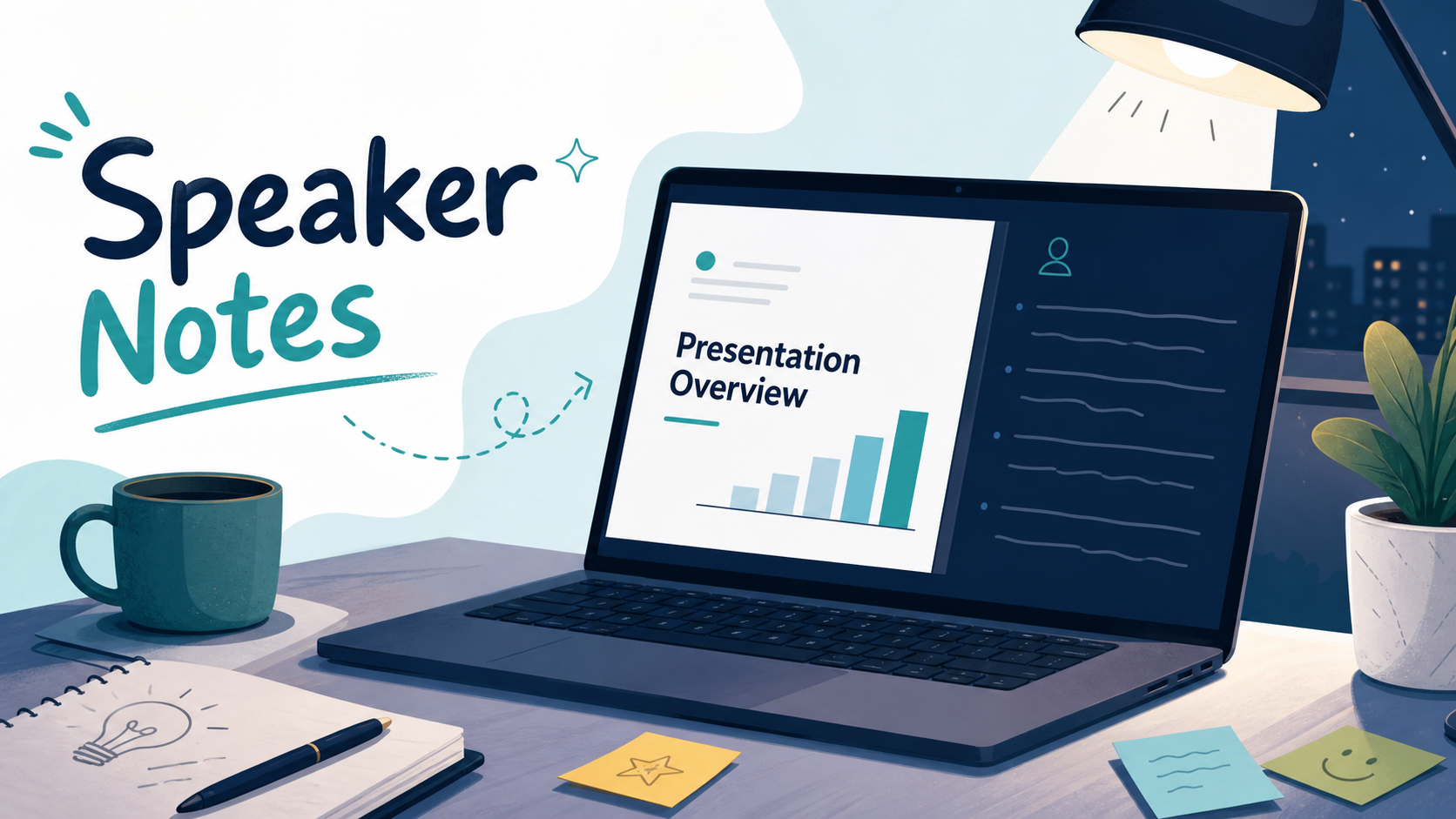
Speaker notes are private presenter notes that help someone deliver a presentation without putting every detail on the audience-facing slides. They can include talking points, reminders, timing cues, transitions, examples, or data explanations that the speaker wants to reference during delivery.
In most presentation software, speaker notes sit below or beside each slide while editing. During a live presentation, they are usually visible only to the presenter through presenter view, not to the audience. This separation is what makes presentation speaker notes useful: the slide can stay clean and focused, while the presenter still has the context needed to explain the message clearly.
What Are Speaker Notes?
Speaker notes are presenter-facing notes attached to individual slides. They are different from slide text, comments, subtitles, or handouts. Their purpose is to support the person speaking, not to become part of the visual content the audience reads.
For example, a slide might show a simple chart with one headline: “Enterprise adoption increased 38% year over year.” The speaker notes might include the reason behind that growth, the time period covered, a customer example, and a reminder to mention that renewals contributed more than new customer acquisition.
This is especially common in PowerPoint speaker notes, but the concept exists across many presentation tools. The core idea is simple: slides show the audience what matters most, while notes help the presenter remember what to say about it.
Why Speaker Notes Matter
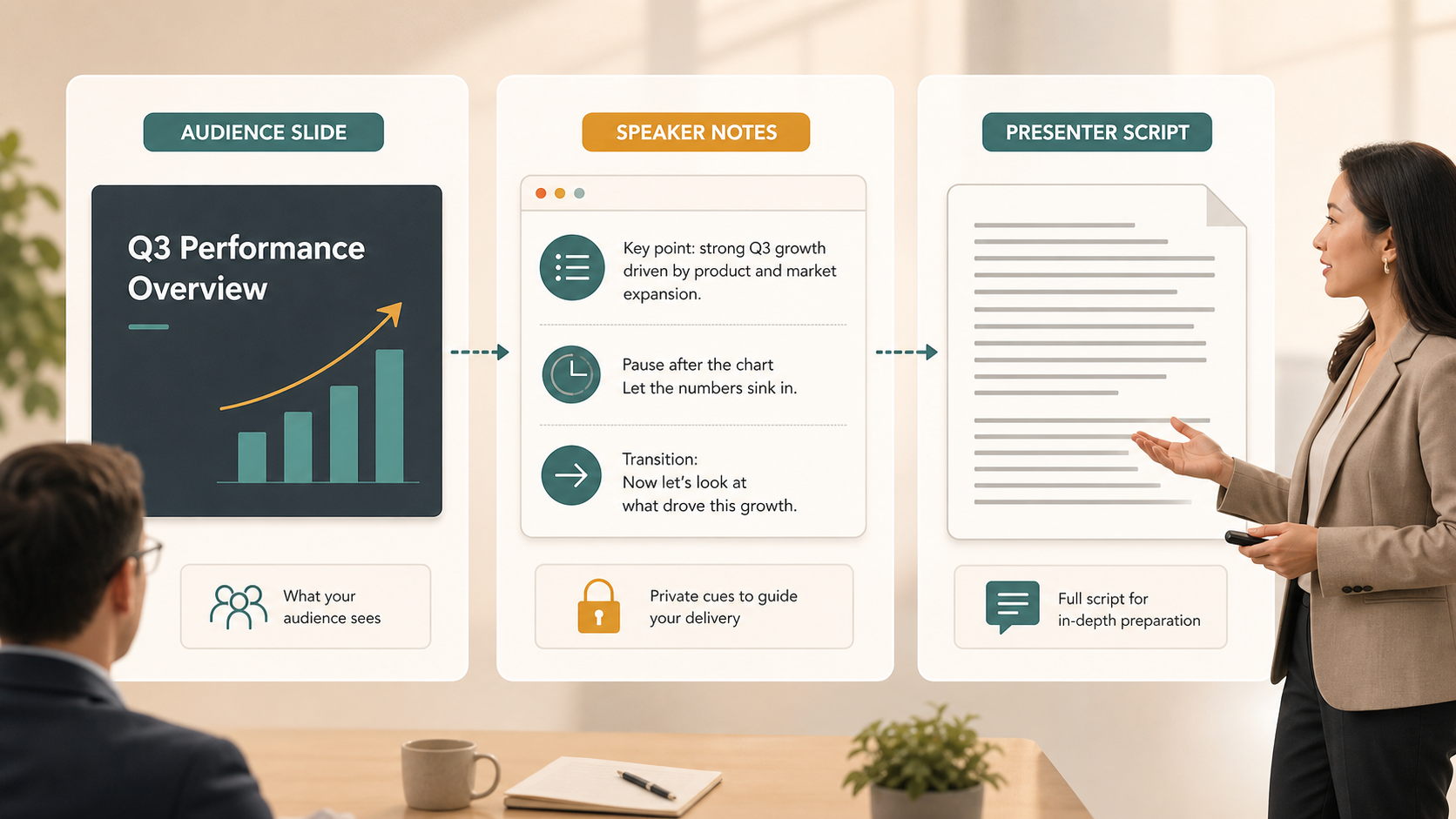
Speaker notes matter because good presentations require both visual clarity and spoken context. If every explanation appears on the slide, the audience may spend the meeting reading instead of listening. If the slide is too minimal and the presenter has no support, important points may be forgotten or delivered inconsistently.
Presentation speaker notes create a useful division of labor. The slide carries the main message. The presenter adds interpretation, emphasis, and nuance. The notes provide quiet support in the background.
This is valuable in high-stakes settings where precision matters. A presenter may need to explain a financial assumption, transition carefully between sections, acknowledge a stakeholder concern, or stay within a strict time limit. Speaker notes reduce the risk of missing those details while helping the deck remain visually focused.
What Should You Put in Speaker Notes?
Effective speaker notes are practical, selective, and tied to the purpose of each slide. They should not repeat every word on the slide. Instead, they should capture what the presenter needs in order to explain the slide well.
Common uses include key talking points that expand on the slide headline, transitions that connect one idea to the next, and short explanations of data, charts, or assumptions. Notes can also include reminders to pause, ask a question, reference a previous discussion, or adapt the message for a specific audience.
For a sales deck, speaker notes might remind the presenter to mention a prospect’s stated pain point. For an executive briefing, they might highlight the decision required on a particular slide. For a market research presentation, they might clarify sample size, methodology, or the meaning of a trend.
The best speaker notes feel like prompts, not paragraphs. They help the presenter stay oriented without forcing a rigid delivery.
What Speaker Notes Should Not Become
Speaker notes are most helpful when they support confidence, not dependency. A common mistake is turning notes into a full script and reading them word for word. This can make delivery sound flat, reduce eye contact, and slow the natural rhythm of the presentation.
Speaker notes should also not compensate for a weak slide structure. If the audience cannot understand the main point of a slide without a long hidden explanation, the slide itself may need clearer wording or a stronger headline.
Use speaker notes carefully when they start to become:
- A full essay for every slide
- A duplicate of the visible slide text
- A place to hide unclear logic
- A substitute for rehearsal
- A dense script that makes delivery sound unnatural
The goal is not to remove all detail from the slide and place it in the notes. The goal is to decide what the audience needs to see and what the presenter needs to remember.
Speaker Notes vs Slide Text vs Presenter Script
Speaker notes are often confused with other presentation elements. The distinction matters because each one serves a different function.
| Element | Primary Audience | Main Purpose | Typical Length |
| Slide text | Audience | Communicate the visible message | Short and selective |
| Speaker notes | Presenter | Support delivery and memory | Brief prompts or cues |
| Presenter script | Presenter or production team | Define exact wording | Full sentences or paragraphs |
| Slide comments | Collaborators | Discuss edits or feedback | Variable |
Slide text should be written for fast audience comprehension. Speaker notes should be written for presenter support. A presenter script is more formal and usually used when exact wording matters, such as webinars, recorded videos, or regulated communications. Comments, by contrast, are part of the editing workflow and are not intended for live delivery.
How Speaker Notes Help in Business Presentations
Speaker notes are especially useful in business presentations because business decks often contain more meaning than can fit on the slide. A pitch deck may need a founder to explain market timing. A sales deck may require account-specific context. A consulting report may include assumptions, trade-offs, or recommendations that need careful framing.
In executive presentations, speaker notes can help presenters stay concise. Senior audiences often want the main implication first, followed by evidence only when needed. Notes can remind the speaker which details to mention and which to hold for questions.
In market research decks, speaker notes can prevent misinterpretation. A chart may show the trend, but the presenter may need to explain methodology, segment differences, or confidence limits. In product launch presentations, notes can help coordinate messaging across product, sales, marketing, and leadership teams.
In each case, speaker notes improve delivery by helping the presenter manage context, timing, and audience expectations.
How Pi Fits Into the Presentation Workflow

Pi, short for Presentation Intelligence, is an AI presentation maker and AI PPT generator for professional business presentations. It helps teams create structured, business-ready decks where the storyline, slide flow, and visual quality work together. Speaker notes then become an additional delivery layer that helps presenters communicate those decks with confidence.
1. Business Logic Comes Before Slide Styling
Strong speaker notes are easier to write when the deck already has a clear structure. Pi supports professional presentation workflows by helping teams organize business logic before focusing on slide polish. That matters because notes should reinforce the argument, not repair it.
When the narrative is clear, speaker notes can stay concise. The presenter does not need to explain why a slide exists; the slide already has a role in the story.
2. Slide Content and Presenter Guidance Work Together
Business presentations often require a balance between what is visible and what is spoken. Pi helps teams create slides that are structured and presentation-ready, while speaker notes help the person delivering the deck add nuance, examples, and emphasis.
This is useful for pitch decks, sales decks, consulting reports, executive presentations, brand proposals, market research decks, and product launch decks. In these settings, the slide should not carry every detail. The presenter should be able to add the right context at the right time.
3. Professional Teams Need Repeatable Delivery
For teams, speaker notes can also improve consistency. If several people present similar material across regions, accounts, or stakeholder groups, notes can guide delivery without forcing everyone to read the same rigid script.
Pi supports the creation of polished, business-grade presentation materials. Speaker notes support the human side of delivery: confidence, pacing, emphasis, and adaptation to the room.
A Practical Rule for Better Speaker Notes
A simple rule is this: put the message on the slide, put the reminder in the notes, and rehearse enough that the notes support delivery rather than control it.
The slide should make the key point visible. The notes should help the presenter explain, transition, and remember. Rehearsal turns those notes into a safety net instead of a crutch.
For most presentations, effective speaker notes are short, specific, and tied to the audience’s needs. They help the presenter stay focused on the conversation rather than the screen. When used well, they improve both slide clarity and speaking quality.
The Verdict: Speaker Notes Make Cleaner Slides Easier to Deliver
Speaker notes are not a replacement for strong slides or real preparation. They are a delivery tool that helps presenters keep slides simple while still communicating important context.
For professional teams, the best workflow is to build a clear deck first, then use speaker notes to support timing, transitions, and explanation. This combination creates presentations that are easier to follow, easier to present, and better suited to business conversations where both clarity and confidence matter.
Frequently Asked Questions (FAQ)
Q: Can the audience see speaker notes during a presentation?
A: Usually, no. Speaker notes are normally visible only to the presenter in presenter view. However, presenters should check display and screen-sharing settings before presenting, especially in virtual meetings.
Q: Are PowerPoint speaker notes printed with slides?
A: PowerPoint speaker notes can be printed if the presenter selects a notes-page print option. They are not automatically included when printing standard slides or exporting a typical audience-facing PDF.
Q: Should speaker notes be full sentences?
A: They can be, but short prompts usually work better. Full sentences are useful when exact wording matters, while concise cues help presenters sound more natural.
Q: How long should speaker notes be?
A: Speaker notes should be long enough to remind the presenter of the key point but short enough to scan quickly. For many slides, a few focused lines are enough.